
AI agent vs chatbot vs workflow automation: what should you build?
A customer can ask a chatbot a question, trigger a fixed process or delegate a task to a tool-using agent. These experiences can share the same chat window while behaving very differently behind it. Start with the work and the decisions it requires.
In this guide
A chat interface does not identify the architecture
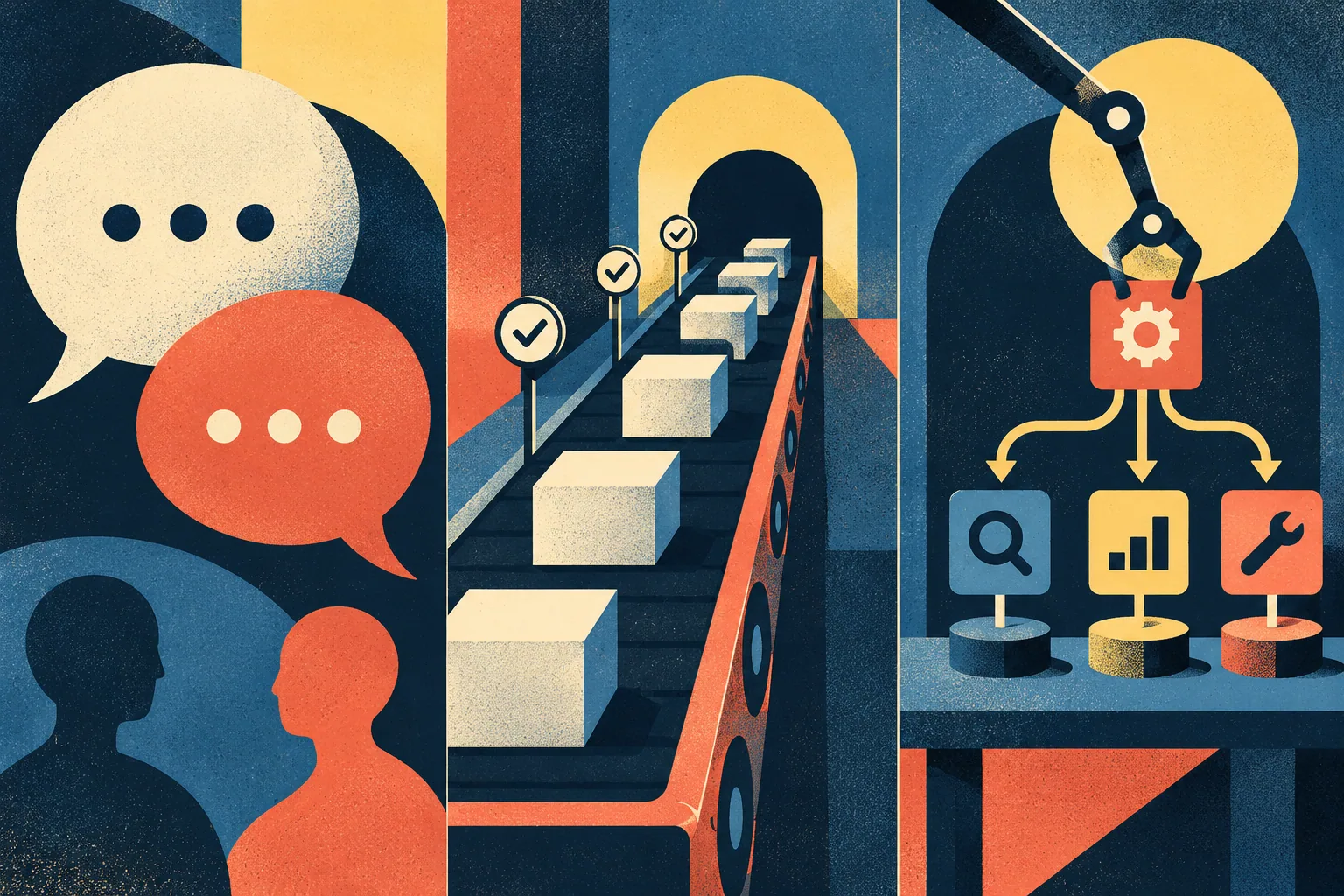
A chatbot describes an interaction: a person exchanges messages with a system. Its answer might come from fixed responses, retrieval or a language model. It may provide information without changing any business record. A chat window alone does not tell you what authority the system has.
For a fictional equipment supplier, answering where to find a manual is a conversation task. Sending an approved order confirmation after a known event is a repeatable process. Investigating a delivery exception across several systems may require decisions about what to inspect next. Keep those requirements separate during the buying conversation.
Use a fixed workflow when the path is known
A workflow can follow explicit steps: receive a complete request, validate the required fields, find the matching order and route a case to the responsible team. Branches can be defined without asking a model to invent the process. The owner can inspect what happens when a field is missing or a lookup fails.
This is a useful baseline for the supplier’s order-status requests. If the required information and next action are predictable, compare a conventional integration before introducing an agent. A model may still help classify a messy message, but the resulting classification can feed a controlled process with clear exception handling.
Use an agent only where the decisions justify it
OpenAI’s agent documentation describes tool use and context across work. Similarly, the n8n AI Agent node connects a model to tools and lets the agent decide which tool calls to use. Tool access gives the system practical capabilities beyond producing conversational text.
For the supplier, an agent might inspect a delivery record and search the relevant help material before drafting a response. The design still needs boundaries: which records it may read, whether it can change them and which actions require a person. An instruction to be careful does not replace the permissions and validation around those tools.
Map authority alongside the customer journey
| Approach | Useful responsibility | Boundary to verify |
|---|---|---|
| Informational chatbot | Explain the documented delivery process | No unsupported order-specific promises |
| Fixed workflow | Route a validated order-status request | Missing or duplicate identifiers enter review |
| Tool-using agent | Choose relevant checks and draft a case-specific response | Read and write tools have explicit limits |
The same service can combine these approaches. A customer may chat with the system while a deterministic workflow creates the case and an agent drafts an internal summary. Draw the actual chain and name the owner at each boundary. Avoid buying a broad agent label without seeing which part of the job it performs.
Test failures and repeated requests
Run a missing-order case, a duplicate message, an unavailable integration and conflicting information. Ask what the system records, how it stops and who sees the exception. If an action has an external effect, establish how repeated processing avoids repeating that effect. Test those behaviours with harmless records before using real customer cases.
Compare the proposed design with the existing process. Count review work, unsuccessful attempts and correction time as well as successful outputs. A short demonstration in which every tool succeeds cannot reveal the operating burden of recovery. Keep the evidence about the specific configured task rather than presenting it as a general intelligence score.
Keep an operational owner for tool changes
Review the design when a tool gains new capabilities or a connected system changes its fields. A previously read-only lookup might later offer update actions, but that does not mean the business intends to enable them. Retest the approved scope and keep a simple record of configuration changes. Someone must be able to pause the process and explain which work still needs human attention.
Choose a maintainable first release
Begin with one outcome and the least authority required to achieve it. A draft for a person to review is often easier to evaluate than an unrestricted customer-facing action. Name the person who owns tool access, workflow changes and incident handling. Record model and integration usage as part of the cost.
Use the n8n, Zapier and Microsoft Copilot Studio profiles for product research. The automation error-handling guide covers recovery design. Prefer the system whose behaviour the team can explain, test and correct for the intended job.
Frequently asked questions
Is every AI chatbot an agent?
No. A chatbot is a conversational interface. An agent can select actions or tools to pursue a task, depending on its design and permissions.
When is a fixed workflow preferable?
When inputs, rules and next steps are sufficiently predictable, an explicit workflow can be easier to inspect and operate.
Can one system combine all three?
Yes. A conversational interface can use a fixed workflow for records and an agent for a bounded investigation or draft. Document each part separately.
Put the guide into practice
Explore workflow automation tools, then compare your shortlist.
Explore the category →